

怎样快速部署React App到 AWS?
Created by QW on 3/26/2020 · Edited on 1/24/2021
前提条件
-
有可以运行React的app
-
有AWS账号并登陆AWS Console
步骤
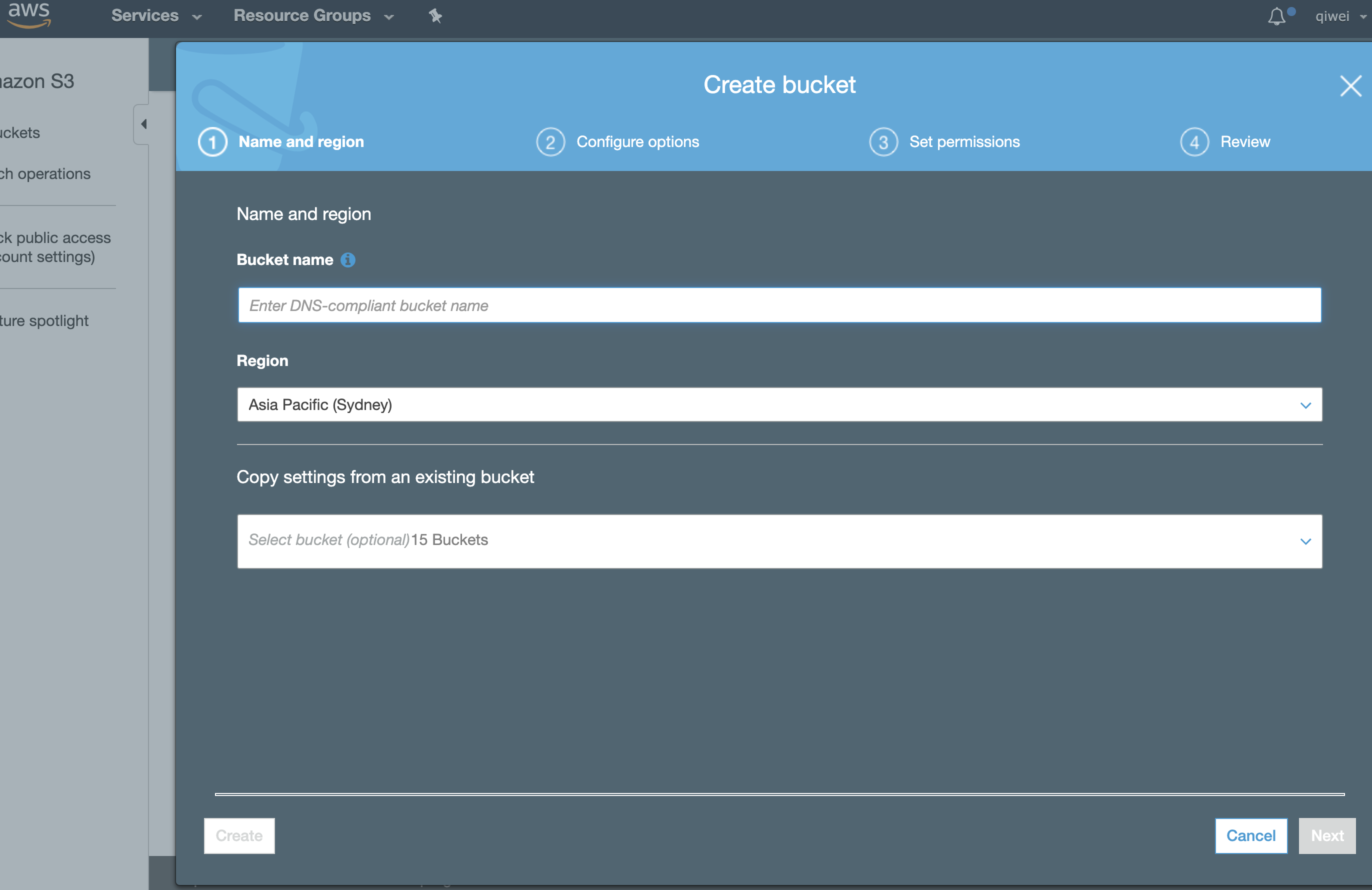
1. 进入S3主页,选择创建S3 bucket。
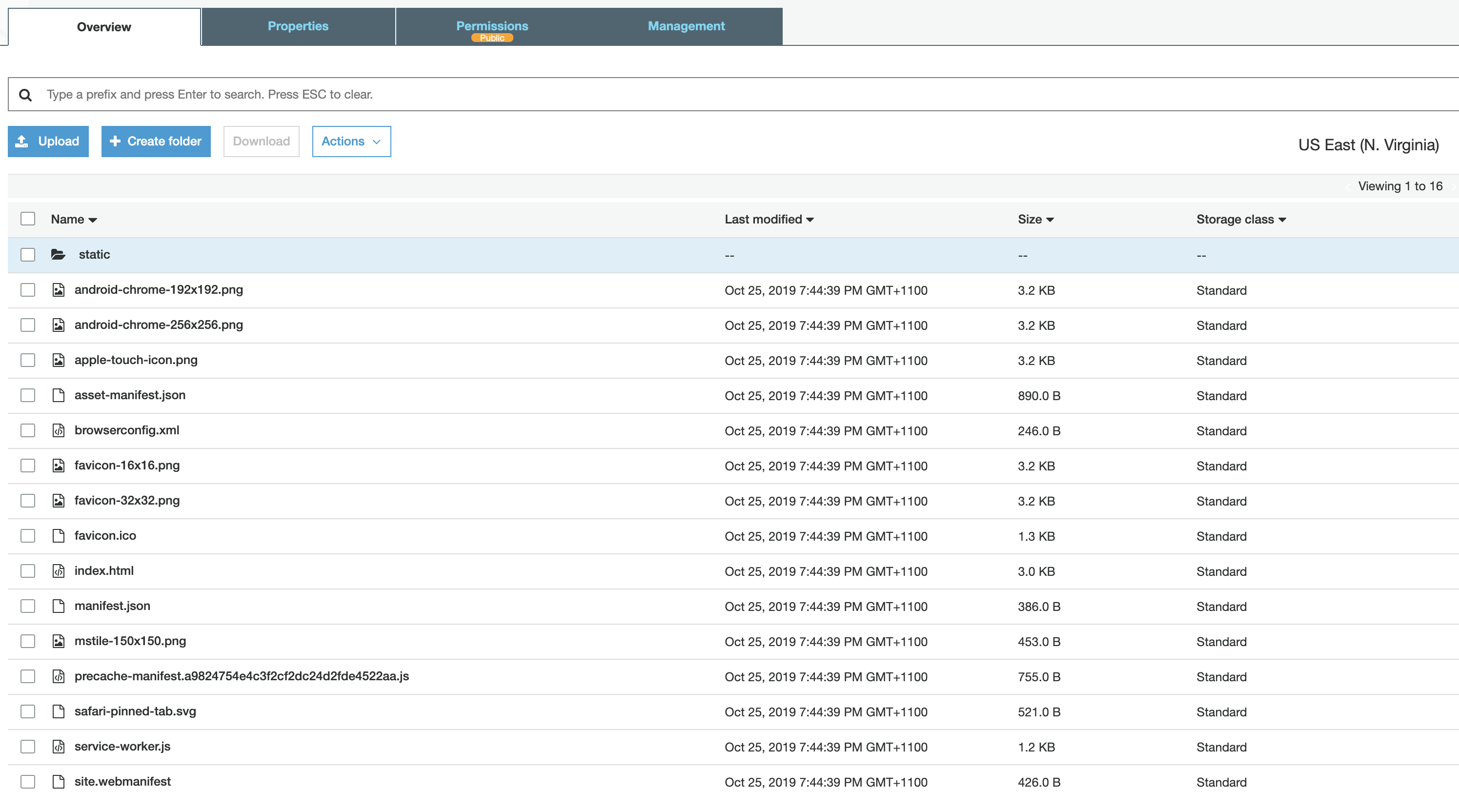
2. 在React App 中 npm build 或者yarn build,上传 build 文件夹里所有的文件到创建好的bucket里。
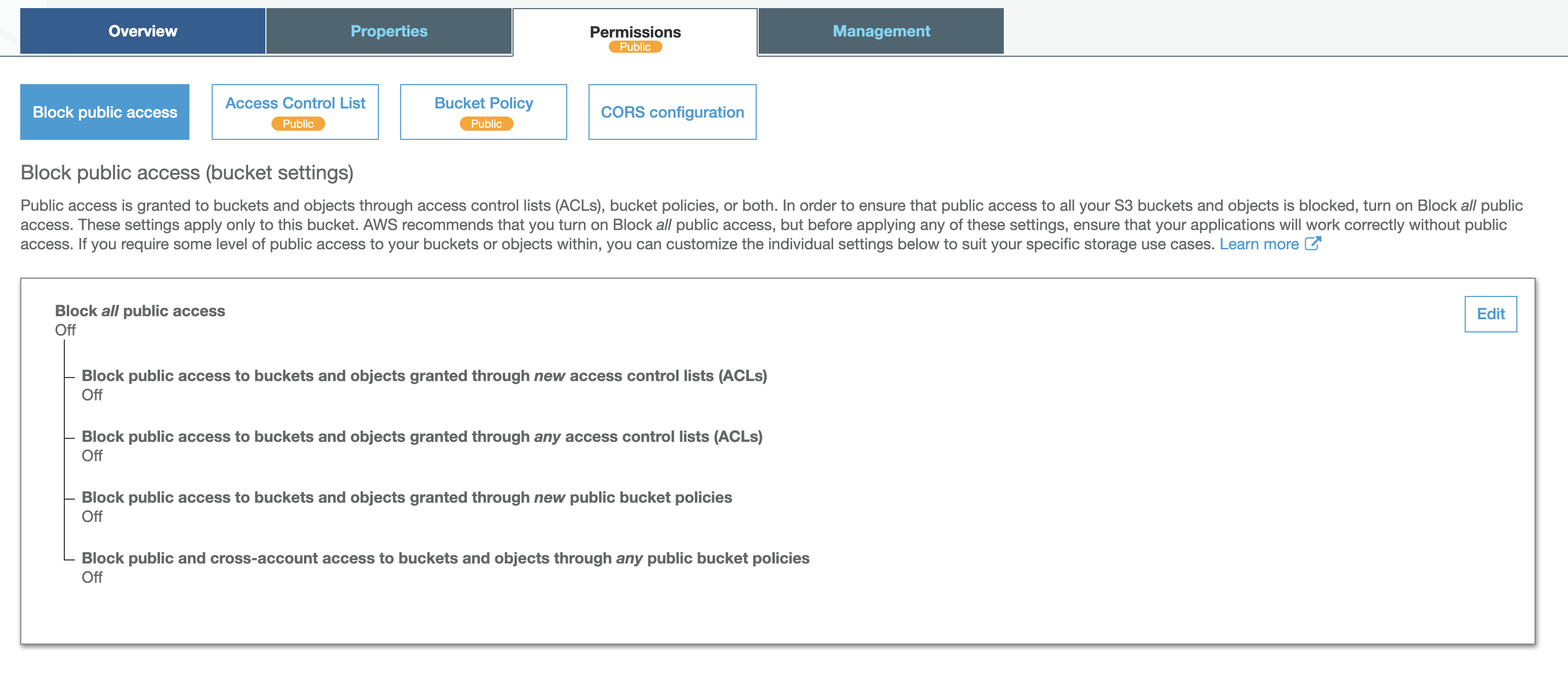
3. 进入bucket,选择Permissions,Block public access里选择编辑Block all public access,全部取消打勾
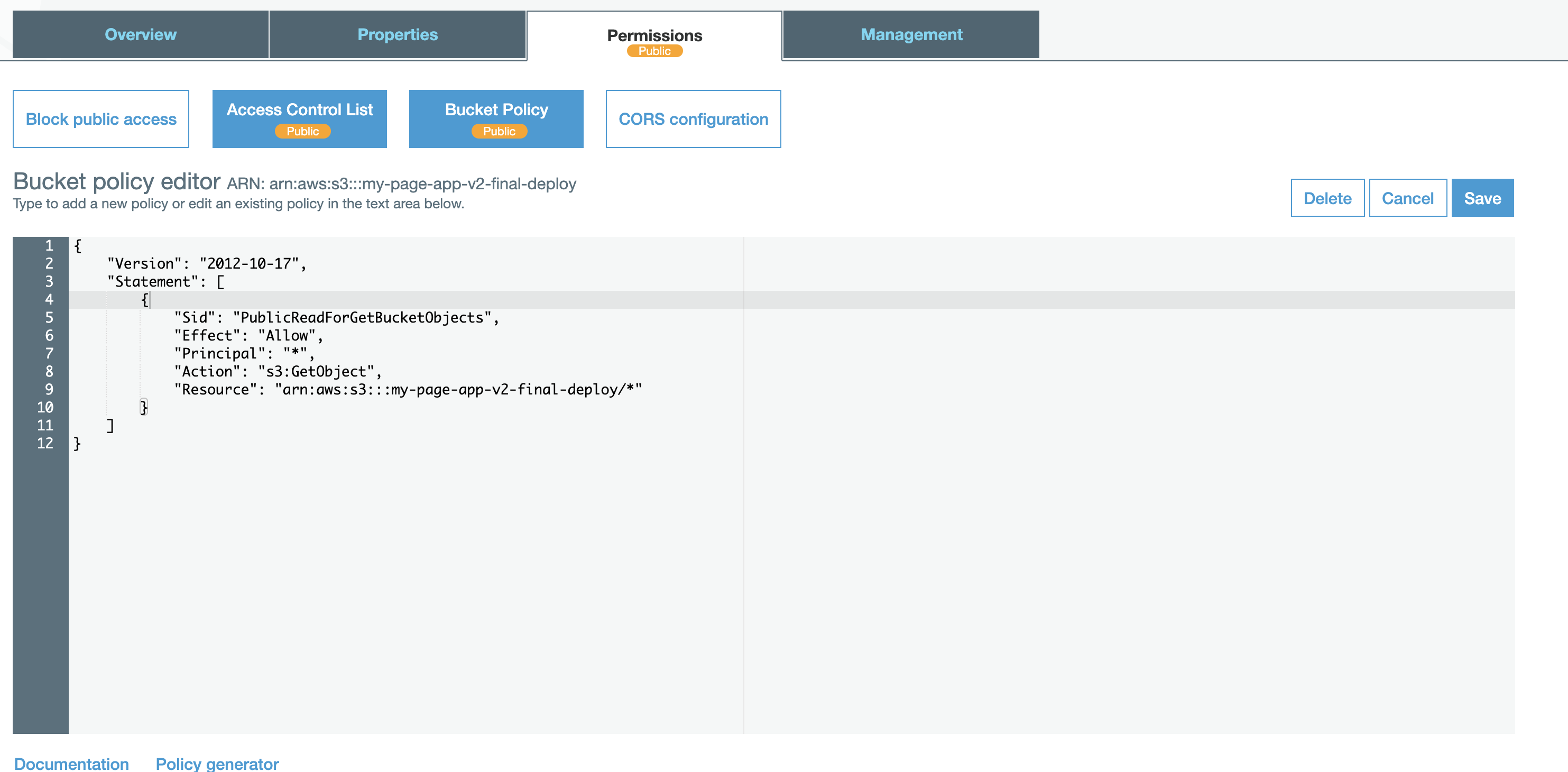
4. 然后选择bucket policy,添加下面👇这个policy,这样可以让所有人获取这个bucket里的文件
{
    "Version": "2012-10-17",
    "Statement": [
        {
            "Sid": "PublicReadForGetBucketObjects",
            "Effect": "Allow",
            "Principal": "*",
            "Action": "s3:GetObject",
            "Resource": "arn:aws:s3:::YOUR_BUCKET_NAME/*"
        }
    ]
}
5. 选择properties中的Static Web Hosting,点击Use this bucket to host a website,然后在index document和error document填上index.html
如果你有单独的error.html就在error document填上。
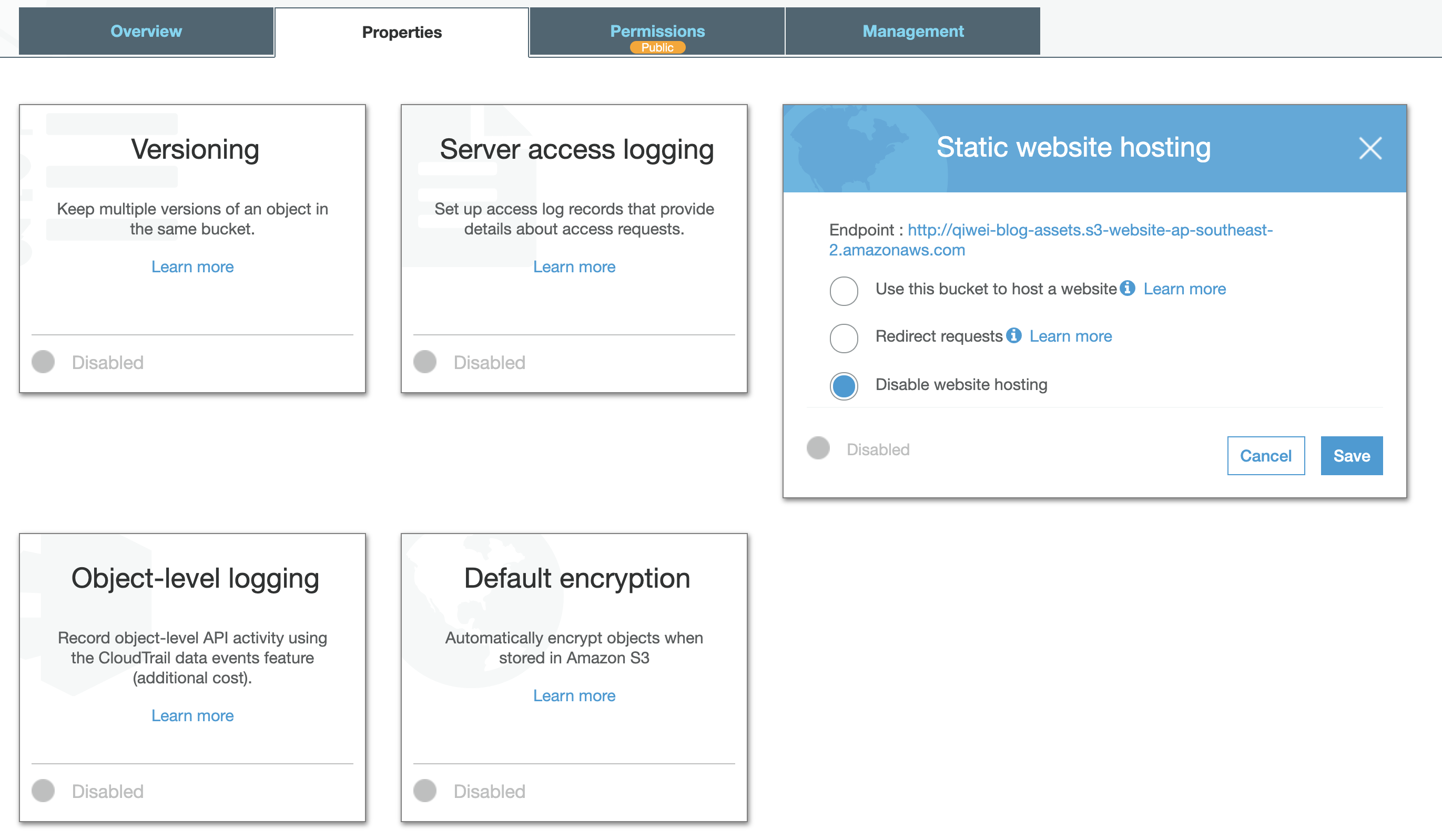
6. 完成!点击上面的endpoint链接就可以看到你部署的React应用了!